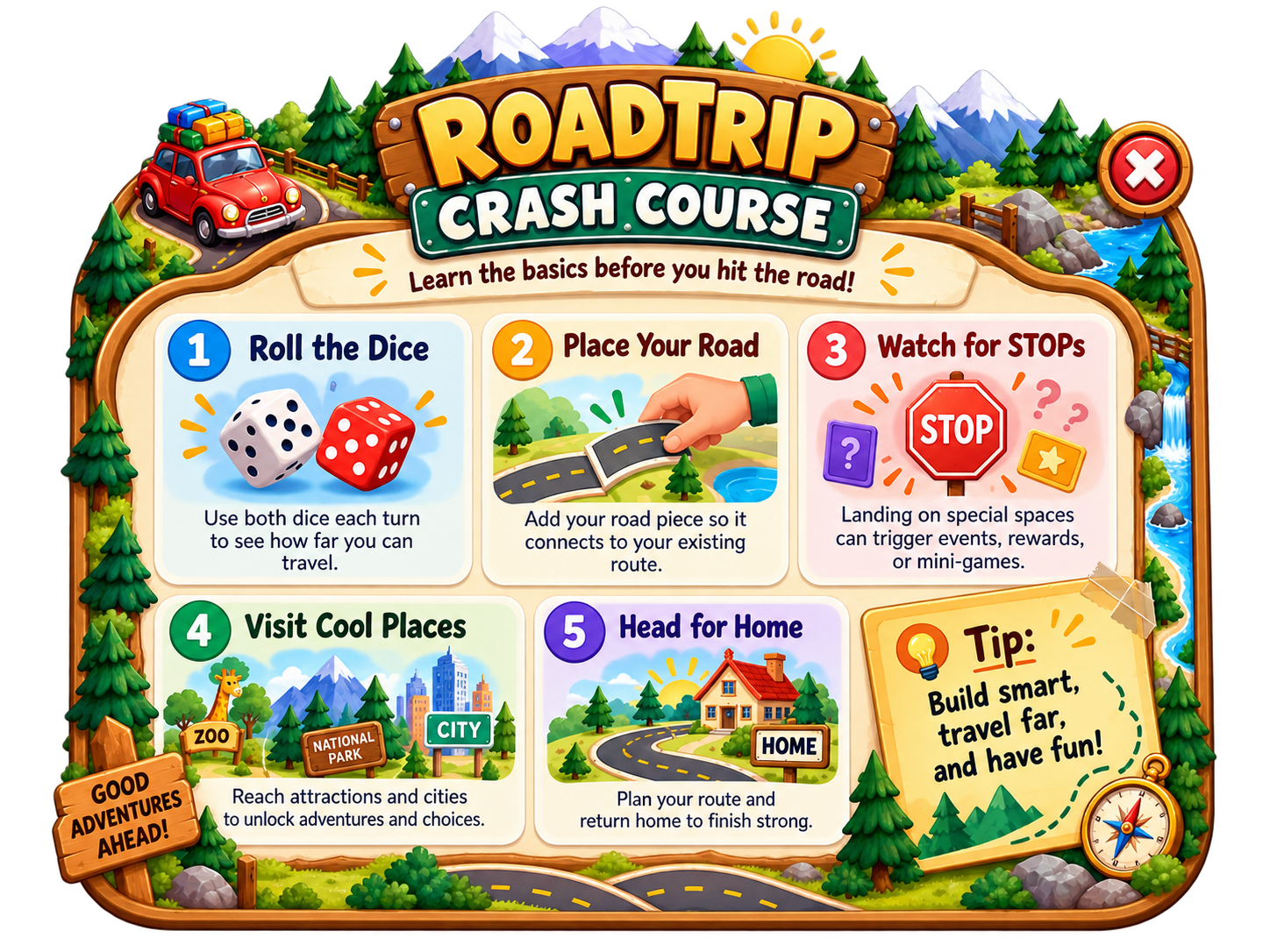
📖 RoadTrip Rules
Loading rules…
Training
RoadTrip Tutorial
Welcome to RoadTrip!
Ready for the road? Choose how you want to play.
DaysHoursMin
Only the destination attraction is placed. Build your own roads to reach it, then return Home.
No time limit. Return Home whenever you want to finish.
You reached the edge!
Expand your RoadTrip map by 20 squares to keep exploring.
RoadTrip V2.0.50
Roll to begin.
Enter Room
Create or join a game, share its room code, or manage your current connection.
Game Room
Connecting to Firebase…
Creator Controls
Refresh the active room from the latest published Master Settings. Your map and player progress are preserved.
YOUR TURN
DESTINATION
➤
Attraction— squares away
Direction from your car
TURN TIMER
Blue: Trivia Green: Trivia Orange: Trivia
Players
TURN ORDER
Game ChatJoin or open a game to chat.
No game chat yet.
TRIVIA DOT
Choose a Trivia Deck
Correct answer: reward set in Master
Choose an answer.
ATTRACTION
Attraction
PLACE AN ATTRACTION
Choose an Attraction
Choose any attraction below. After you choose one, drag it onto a legal square touching the active road.
ENTER THE CITY
Choose an Attraction
Choose one of this city's three attractions to visit.
GAME SETTINGS
Game Mode
One Player removes the three-consecutive-turn limit. If another player joins, the game automatically becomes Multiplayer.
Play Context
These settings control which activities are eligible to appear. They are saved with the game and shared with every player.
Dot Rules
Choose what happens when a player lands on each dot color.
Turn Time Limit1 minute to 24 hours. A timed-out turn is skipped. After 3 timed-out turns, that player's car is temporarily removed.
Trivia Difficulty
Each player can use a different 1–5 difficulty for each deck. Level 1 is easiest; Level 5 is expert.
Creator-only adjustments. Each payment is recorded in Firebase.
Recent transactions
Master Settings
Defaults for NEW games created on this device. Existing games are not changed.
Starting Map Size
Starting Landscapes
Landscape type percentages must total 100%.
Attractions
Choose the attractions allowed in this game. Existing placed attractions remain on the map. Items disabled in Master cannot be enabled here.
STOP Deck
Choose which STOP events are allowed to be drawn.
Checking this room's Master source…
Additional Settings
Game SkinChanges the appearance on this device only.
CREATOR DEFAULTS
Master Settings
These values are defaults for NEW games created on this device. Existing games are not changed.
Starting Map Size
Starting Landscapes
Coverage controls how much of the starting board is landscape. The type percentages must total 100%.
Thanks for Playing!
Final Rankings
Ranked by cash plus the value of experience points
Home at last! The journey is complete.
ROADTRIP JOURNEY
Journey Complete
LATE ENTRY — HITCHHIKER
Choose where to join the trip
Choose another player's location. You will enter on that exact square and receive the greater of $2.00 or the lowest current player balance.
ARM WRESTLING
Choose another player and arm wrestle.
Winner receives the current Master reward.
LANDSCAPE
Choose whether to add a new landscape or remove one already on the map.
ROCK • PAPER • SCISSORS
Choose another player and play one round of Rock Paper Scissors.
Winner receives the current Master reward. If there is a tie, play again.
AIRPORT
Choose Your Flight
AIRPORT
Name This Airport
Give this airport a memorable name. Leave it blank to keep its default name.
STOP SIGN
Roadside Event
CATEGORIES — 60 SECOND CHALLENGE
Name as many valid answers for the card's category as you can in one minute.
1:00
★
You can pan the map while placing. Drag anywhere on the map that is not the landscape itself to look around. Rotate the landscape as needed, drag it onto a legal location, reposition it if needed, then press Place. It may cover road, but cannot cover a player, an attraction, or another landscape.
Build the airport network. Drag each airport anywhere on a clear map square. Airports do not need road access when placed. Road may later be built outward from any side of an airport.
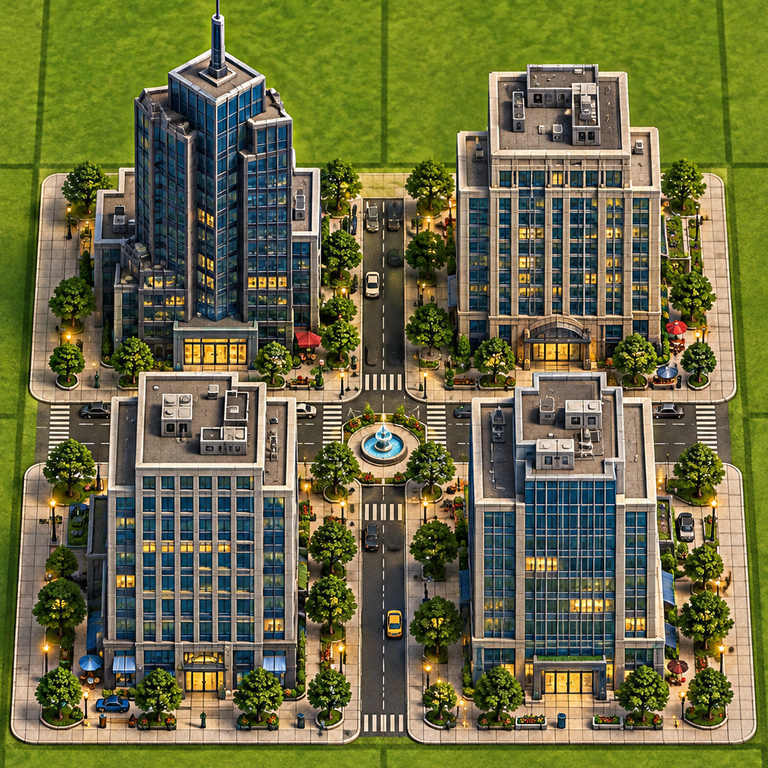
Place the city. Drag the city icon onto the map. It occupies 2×2 squares and does not need to connect to a road. Its City Zone is 4×4 around the 2×2 city. The city’s four squares are drivable and connect to adjacent roads. Attractions inside the City Zone can be placed beside one another with no minimum spacing, but they still must connect to a road. Only the 4×4 economic zone must be clear of landscape.
City
Drag the Toll Booth onto a road square. It cannot be placed on an attraction or under a player.
When the actor is ready, press Go. You will have 60 seconds. You may skip up to two prompts.
60seconds
Get ready…
Skips remaining: 2
Who guessed it correctly?
When the artist is ready, press Go. You will have 60 seconds. You may skip up to two prompts.
60seconds
Get ready…
Skips remaining: 2
Who guessed it correctly?
In-person only. Get the group to guess as many words as possible in 60 seconds. You may say anything except the target word.
1:00remaining
WORD
Get ready…
Correct words this round
None yet.
How many did each player guess correctly?
Choose one dot color, then choose the rule that color will use from now on.